APEX DIGITAL STUDIO

“A working station between you and your agents

Desktop consoles that keep your models, your keys and your spend under your own roof. Buy them once and own them — not rented, not metered by anyone else, and not quietly phoning home. I build for these folks what others won’t.

macOS available now · Windows & Linux — coming soon

🐧 Run Linux? Volunteer to beta test →

★ Sovereign Mode
Grid Connect
One switch, on every tier. Flip it and every automatic outbound call this app makes — cloud dispatch, telemetry, webhooks — is refused before the request is ever built.
Free — every tier
★ Stop-Loss
Token Circuit Breaker
Real per-channel spending caps — free on every tier. Cross the line and that channel pauses itself automatically, no surprise bill. A Master Bus cap across every channel at once is a Pro+ upgrade.
Free — every tier
The range

Three consoles, three different jobs

Same bones, built for three different desks. Here is which one is yours.

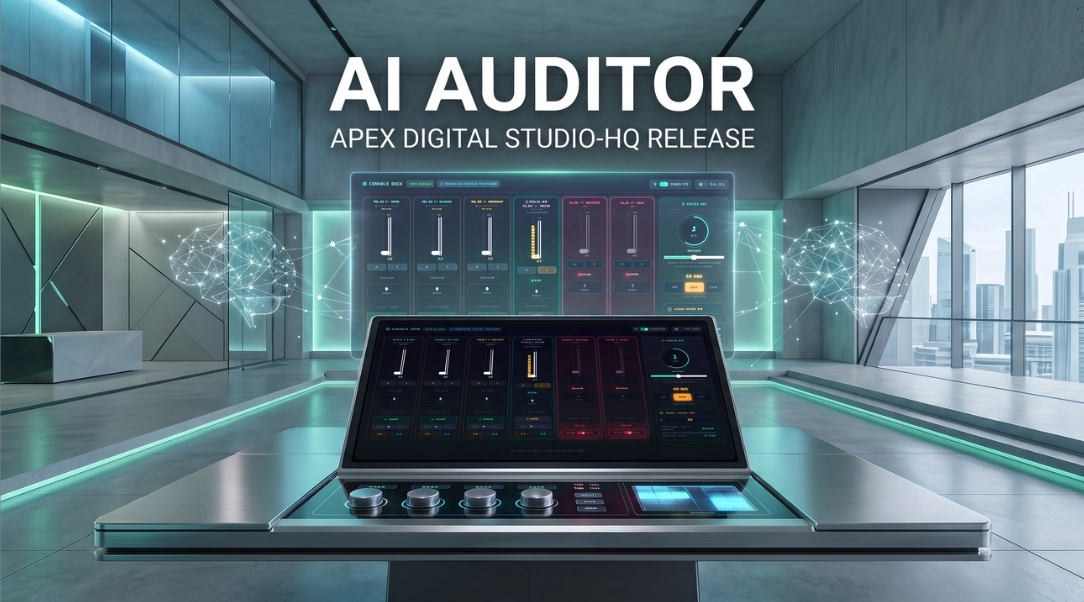
AI Auditor

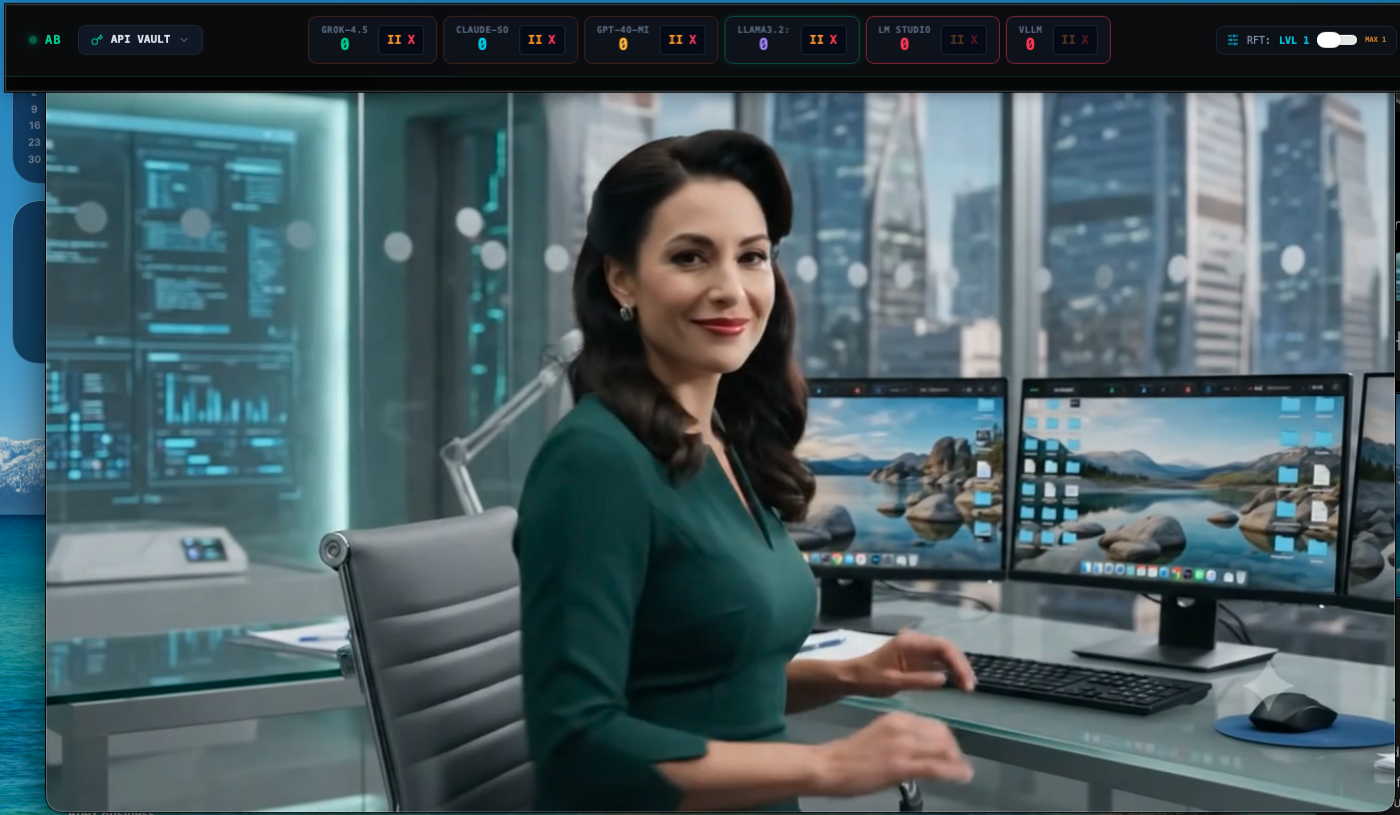
The Hybrid Console — six channels

Six channels on one board: cloud providers and local runtimes side by side, each with its own spend cap, its own meter, and its own halt switch. Flip Sovereign Mode and every outbound call is refused before it is built — not hidden, refused.

Agent identity signing, a SIEM webhook for the security team, a custom port blocklist for corporate IT, and telemetry that lands on your disk instead of ours.

For the workstation. If you are running several agents at once and somebody is going to ask what it cost, this is the board that answers.
from $9/month — or pay once from $99
Four tiers, up to team packs. Full comparison below.

AI Auditor Mini

The Three-Channel Console

Three channels instead of six, and every one of them flips between a cloud provider and a model running on your own machine. Point one at Ollama and it finds your loaded model on its own — no configuration, no setup screen.

Not a cut-down version. A shorter one. The same spend caps, the same injection shield, the same port director — on a board you can read across the room.

For a desk that is already busy. If the six-channel board looks like a cockpit and you wanted a dashboard, start here.
$39.99once — or $9/month
One price, everything on. No tiers, no add-ons, nothing held back.

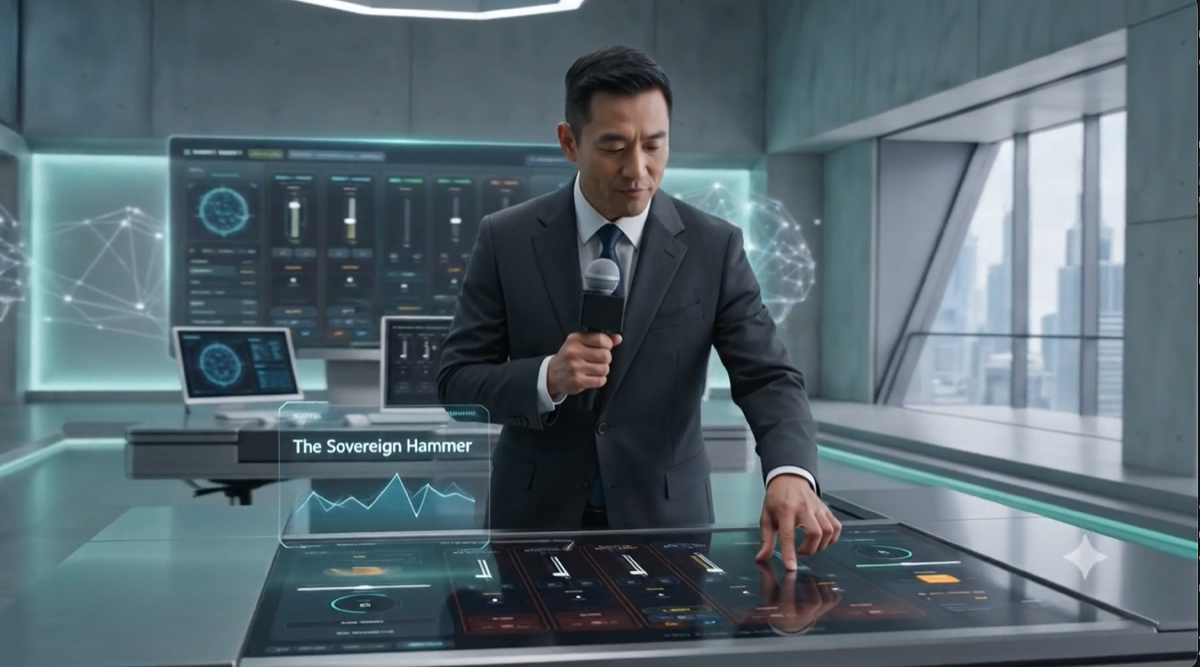
Sovereign Hammer

Fully Local — no network path at all

The cloud is not switched off here, it is absent. No provider endpoints compiled into the binary, no accounts, no licence server, and a content-security policy that permits localhost and nothing else. Six local runtimes, one board.

Adds live Morse and CW decoding from real radio audio, and N.O.M.A.D. — an offline reference shelf that reads only from a folder in your own home directory. Maps, medical, RF, whatever you put there.

For people who are off the grid, going off the grid, or simply done explaining why they would rather not send it to somebody else's computer.
$199$150 once — lifetime, no subscription
Launch price for the first 90 days, to 5 November 2026. After that it is $199. Your licence is verified on your own machine — no connection is used to activate it, and none is ever used to check it again. Currently shipping to US customers only.
How people run it

It doesn't have to live on your working screen

The console is a monitoring surface. Where you put it changes what it's for.

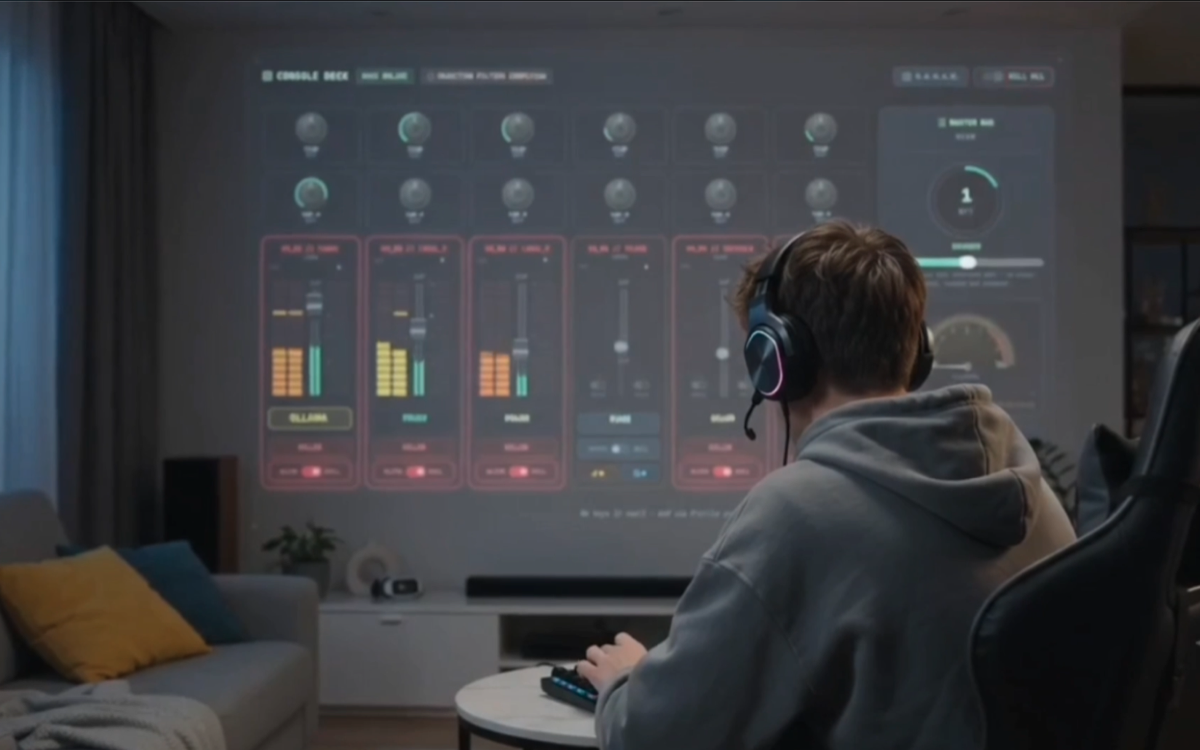
The console projected onto a living room wall while working at a desk
● Second screen

A wall you glance at

Put the console on a side monitor, a small office TV, or a projector, and keep working on your main machine. Spend, channel status and the halt switch stay visible without taking a single pixel from what you're actually doing — the studio-wall setup, on hardware you probably already own.

And when it's across the room, you don't have to walk over to it. Hold the mic and say “Channel 2, pause” — recognised directly in code before anything is dispatched, so it never reaches a model and there's nothing to misinterpret. Watching a run go wrong on the wall and being able to call it off from where you're sitting is the whole point of putting it there.

It remembers which display it was on and reopens there, so you're not dragging it back across every launch. If that display is unplugged, it falls back to your main screen instead of vanishing off-view.
Driving the console by hand on a touch surface
◷ Touch-ready

Built for fingers, not just mice

Every control — the faders, the rotary knobs, the resize edge — is driven by pointer input rather than mouse-only handlers. A stylus or a touchscreen drives the console exactly the way a mouse does, which is what makes a touch panel in a rack or on a desk a sensible place to put it.

Designed for touch from the start; not yet certified on a specific touch display. We'd rather say that than promise a device we haven't run it on.
The collapsed toolbar as a slim strip above a full-screen window
● Stays put

Always on top, out of the way

Collapsed, it's a single strip — six channel readouts, spend, and the halt switch — that floats above your other windows instead of getting buried behind them. Expand it when you need the full board, collapse it when you don't. It's a piece of equipment you keep in view, not a window you go hunting for.

The range

Three shipping. Two to come.

Different tools for different threat models — one for people who use cloud models and want them governed, one for people who won't touch them at all.

AI Auditor
The Hybrid Console
● Available now

Six channels: three cloud providers and three local runtimes, side by side on one board. Per-channel spend caps that pause a model before it bankrupts you, a Sovereign Mode switch that severs every outbound call on demand, and API keys that live in your OS keychain rather than in the app window.

Sovereign Hammer
Fully Local Build
● Available now

The same console with the cloud taken out at the source — not switched off, removed. No accounts, no licence server, no provider endpoints in the binary, and a content-security policy that permits localhost and nothing else. Adds live Morse/CW decoding from real radio audio and N.O.M.A.D., an offline reference panel that reads only from your own disk.

AI Auditor Mini
The Three-Channel Console
● Available now

Three channels instead of six, and every one of them switches between a cloud provider and a model running on your own machine. Not a cut-down version — a shorter one. Same spend caps, same injection shield, same port director, on a board you can read at a glance. Built for a desk that is already busy enough.

04
In development
05
In development
AI Auditor — Protections

Built for people who don't want a surprise invoice

Every tier includes the fuse that stops a runaway bill before it happens — the rest is how much control you want on top of it.

Channel Talkback
Push-to-talk voice input, transcribed entirely on-device via whisper.cpp. Never touches a cloud speech API. Say "Channel 4, pause" and it's recognized directly — no model involved, nothing to drift.
Free — every tier
Master API Key Masking
Keys live in your OS keychain, never in the app window. There is no reveal button because there is nothing to reveal.
Free — every tier
Network Port Director
Every outbound request this app makes is checked against a port blocklist before the socket opens — SSH, SMTP, and other high-risk ports refused automatically, re-checked on every redirect.
Free — every tier
Mute / Solo Channel Controls
Isolate one model to trace its reasoning, or curtain a channel's output without stopping its work.
Pro+
Context Injection Shield
Prompts are scanned for hidden instructions, invisible characters, and homoglyph tricks before anything leaves your machine.
Pro+
Channel Rollback
A five-step undo per channel, held in memory only. Cleans your workspace, never touches what's already been billed.
Pro+ or à la carte
Agentic Environment Detection
One click sweeps localhost for Ollama, LM Studio, vLLM, and Text Gen WebUI, and reads your .env for provider keys to vault — nothing hardcoded, nothing typed twice.
Pro+ or à la carte
RFT Performance Slider
Dial compute intensity per task. Levels 3–5 add real independent review — 1 to 3 other active channels each check the response and all must agree, or it's withheld. Free if a local channel handles the check, real cost if it falls back to cloud.
Pro+ or à la carte
Telemetry & Cost Trace
Every dispatch is logged to a plain JSONL file on your own disk — real token counts returned by the provider, priced with input and output billed separately, per model. No central database, no account required to read it. It's your log, on your machine.
Pro+
W&B Telemetry Stream
Every run logs locally by default. Flip this on to stream the same trace live to your own Weights & Biases project — Enterprise adds full LIVE cloud mode.
Pro+ or à la carte
Agent Identity Badging
Each cloud channel signs its own outbound requests with a real Ed25519 keypair — a cryptographic audit trail, not just a log line. Local channels aren't signed: the request never leaves your machine, so there's no counterparty to attest to.
Pro+
SIEM Webhook
POST every blocked threat to your own Splunk HEC or Datadog endpoint automatically, in real time.
Enterprise
Custom Port Blocklist
Add your own banned ports on top of the built-in list — checked with the exact same logic, no weaker code path for what you add yourself.
Enterprise

How to use Talkback

Hold the mic button and speak like normal — it lands in the composer as text, same as typing. But a specific phrasing skips the model entirely and executes instantly:

"Channel [1–6], [action]"

pause / resume
mute / unmute
halt / revive
solo / unsolo

Say the channel number first, then the action — e.g. "Channel 4, pause." Each command only ever touches that one channel — never another channel, never the master bus (Global Cap, Sovereign, HALT ALL). Recognized directly in code before anything is sent anywhere, so there's no model judgment involved and nothing to drift.

Try it before you buy anything

Stop-Loss Widget

Free — no signup, no account, nothing to install

The same maths the Stop-Loss fuse runs inside the console, out here where anyone can use it. Put in your own numbers — the second figure is the one most teams never budget for.

Your setup

What it costs you

Projected monthly spend
$0.00
Per request $0.000000
Per day $0.00
If one agent loops unnoticed
$0.00
A single agent stuck in a retry loop, firing one request per second, caught six hours later. This is the bill that arrives without warning.
AI Auditor puts a hard ceiling on that number. Set a per-channel cap and the channel pauses itself the moment it crosses the line — no overnight surprise, no depending on someone watching a dashboard.

AI Auditor — Store

Pick your console

Every plan is either a straightforward monthly rate, or pay once and keep it — no asterisks either way. Sovereign Hammer is lifetime only and sits in its own section above.

Currently shipping to US customers only. Outside the US? Let us know you're interested — it helps decide what to open up next.

AI Auditor Mini

Mini
$9/mo

For one or two agents and a local model of your own. New to this, security-minded, or you simply want one good tool rather than a system to learn.

Three channels, cloud or local on every one. One price, everything on — no tiers and nothing held back.

A finished thing. It does not have tiers and never will.

Buy Mini

AI Auditor

Lite
$9/mo

For a board that is going to fill up. Six channels from the start, and room to grow into more without changing tools.

Key masking, circuit breakers, and every protection that comes included at no extra cost in every tier. The accessible entry point.

The first rung. Move up to Pro or Enterprise whenever you like, or add single features à la carte — you keep the same console.

Buy Lite

AI Auditor

Enterprise
$149/mo

For security teams and anyone who has to answer to an audit. Everything on, and the hooks to feed your own tooling.

Full RFT 1–5, W&B LIVE, SIEM webhook, custom port blocklist. Built for security teams.

Buy Enterprise

AI Auditor

5 Seats
$500/mo

For a team. Five Enterprise seats bought once, handed out however you like.

5 Enterprise licenses in one purchase — all keys emailed together, each teammate activates their own on their own device.

Buy Team Pack

Need more than 5 seats? Contact us for a custom group size.

From the lab

What's next

Built in the open, shipped when they're actually ready — not before.

Prototype stage

The Monster

An expanded console for running many more agents at once — only ships if the prototype can actually back up the claim.

In development

CB Tripod Add-On

A build-to-order antenna kit for Sovereign Hammer — the radio side of the console, so the CW decoder has real signal to read rather than a line-in you had to rig yourself. Parts list and price land here once it's built and tested, not before.

Just started

WiFi Sensing Hardware

A new hardware project, early days. Details land here once there's something real to show.

Questions before you buy?

We read every email ourselves.

info@apexdigitalstudiohq.com